
01
Send and receive
Move files and folders to a trusted nearby device, with progress, cancellation, retry, and resume support built into the flow.
Private device-to-device transfer
OpenKind Transfer moves files directly between trusted devices on the same reachable local network — without an account or a cloud relay.
The useful part
Built for the moments when your files should go from one device to another — and nowhere else.
Move files and folders to a trusted nearby device, with progress, cancellation, retry, and resume support built into the flow.
Use an expiring invitation and approve the pairing request before a device becomes trusted.
When remote access is enabled, browse approved shared folders, preview files, create folders, and move items between devices.
Native pickers, Android share import, iOS share extension support, and desktop drag-and-drop keep the handoff natural.
A calmer handoff
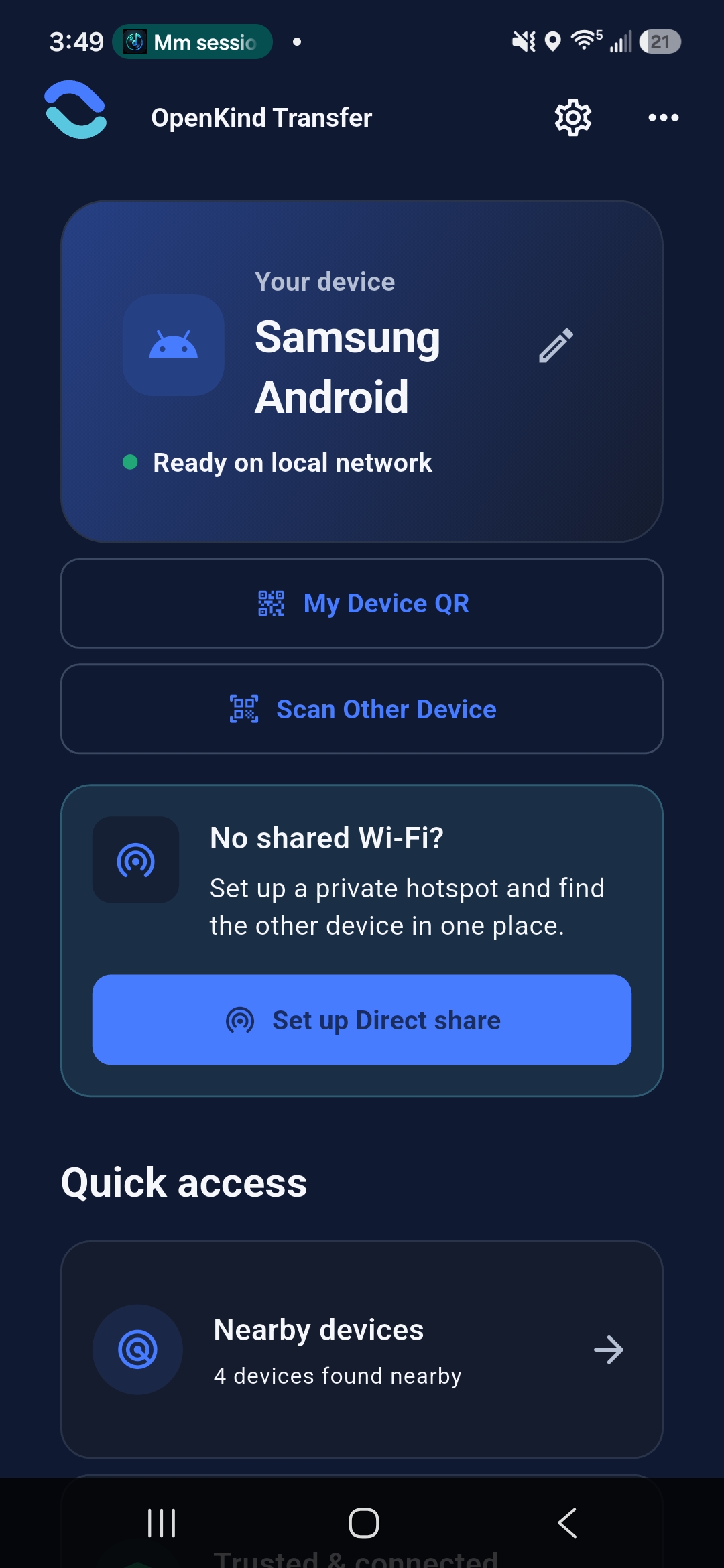
OpenKind Transfer keeps the relationship between devices visible: find each other, pair deliberately, then choose what crosses the connection.
Ask a questionKeep the devices on the same reachable local network, then let OpenKind Transfer look for nearby peers.
Show a QR invitation on one device, scan it on the other, and approve the live pairing request.
Pick files or folders from the system picker, share menu, or desktop drop zone.
The receiving device confirms the request before the transfer finishes and records success.
See it in use
The same thoughtful transfer flow across Android, iPhone, iPad, and Mac.
Availability
Store listings and public download links are being prepared. The core app is currently being validated across the platforms below.
iOS and iPadOS builds are prepared for the next release step.
Coming soonAndroid release artifacts are prepared locally while store setup is completed.
Coming soonA desktop transfer workspace with Finder-friendly file handling.
Coming soonWe will add official store links here as each platform is published. No account is required for the core transfer flow.
Stay connected
Need help pairing devices, want to share feedback, or simply have an idea for making the handoff kinder? OpenKind is a small studio, and every thoughtful note helps.
Support: dhanahathi@gmail.com